
 PixelSpy
 DoseBell
 Lightning Voice
 Tandem Names
Open the document. Edit it here.
PDF & Markdown workspace for Mac
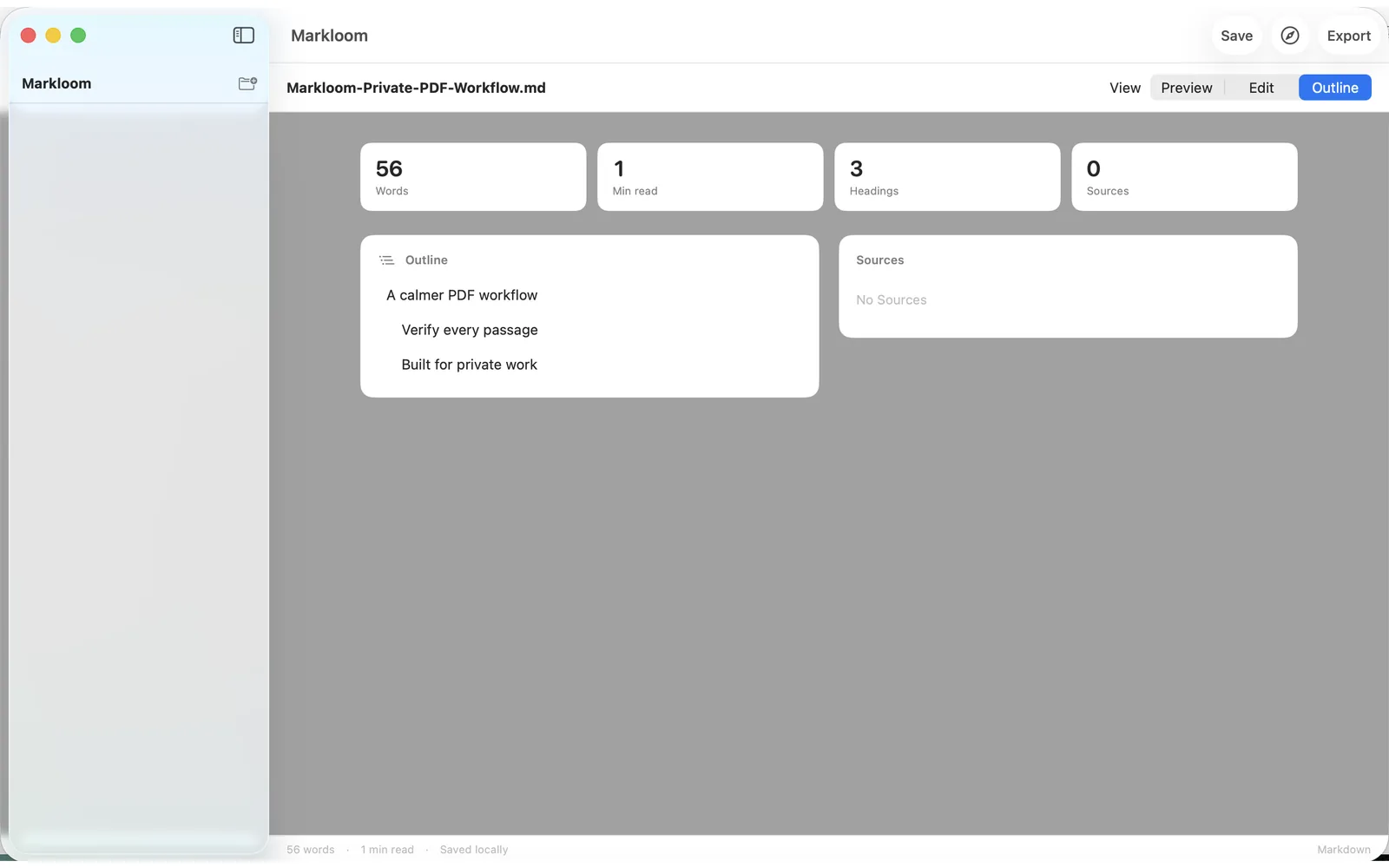
Markloom is a local-first Markdown workspace for macOS. Open Markdown directly, or convert text and scanned PDFs into editable Markdown — then select a recovered passage to jump back to its page and highlighted source region.
01 — Open
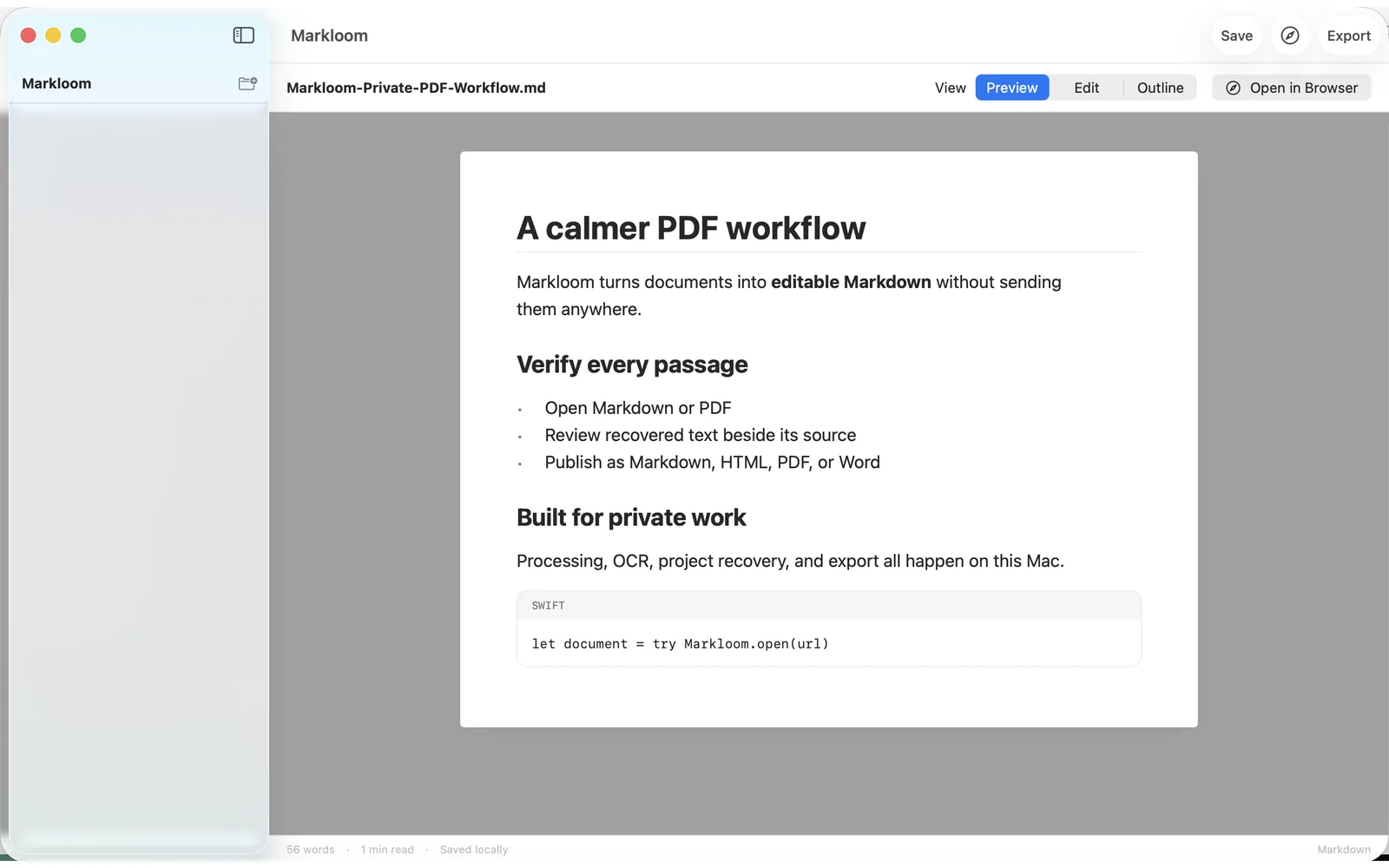
Markdown in. PDF in.
File → Open accepts Markdown (.md, .markdown), PDF, or a .markloom project. Text PDFs parse with PDFKit; scanned pages recover with Apple Vision OCR — inside an embedded sandboxed XPC service.
02 — Verify
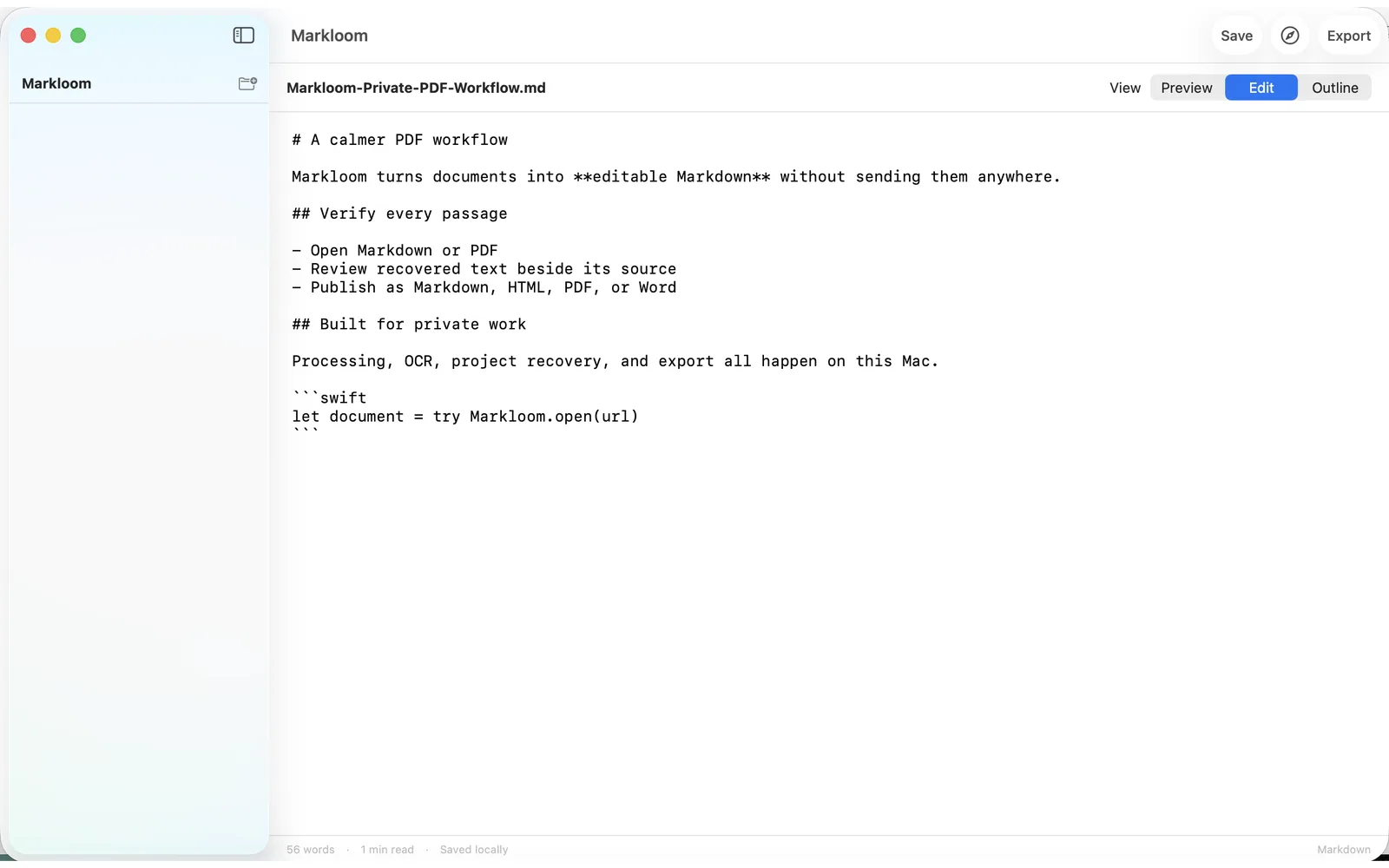
Every passage points home.
Select a recovered passage in the Sources navigator to jump to and highlight its location in the original PDF. Recovery is checkable, never a black box.
03 — Publish
Out of the Mac, your way.
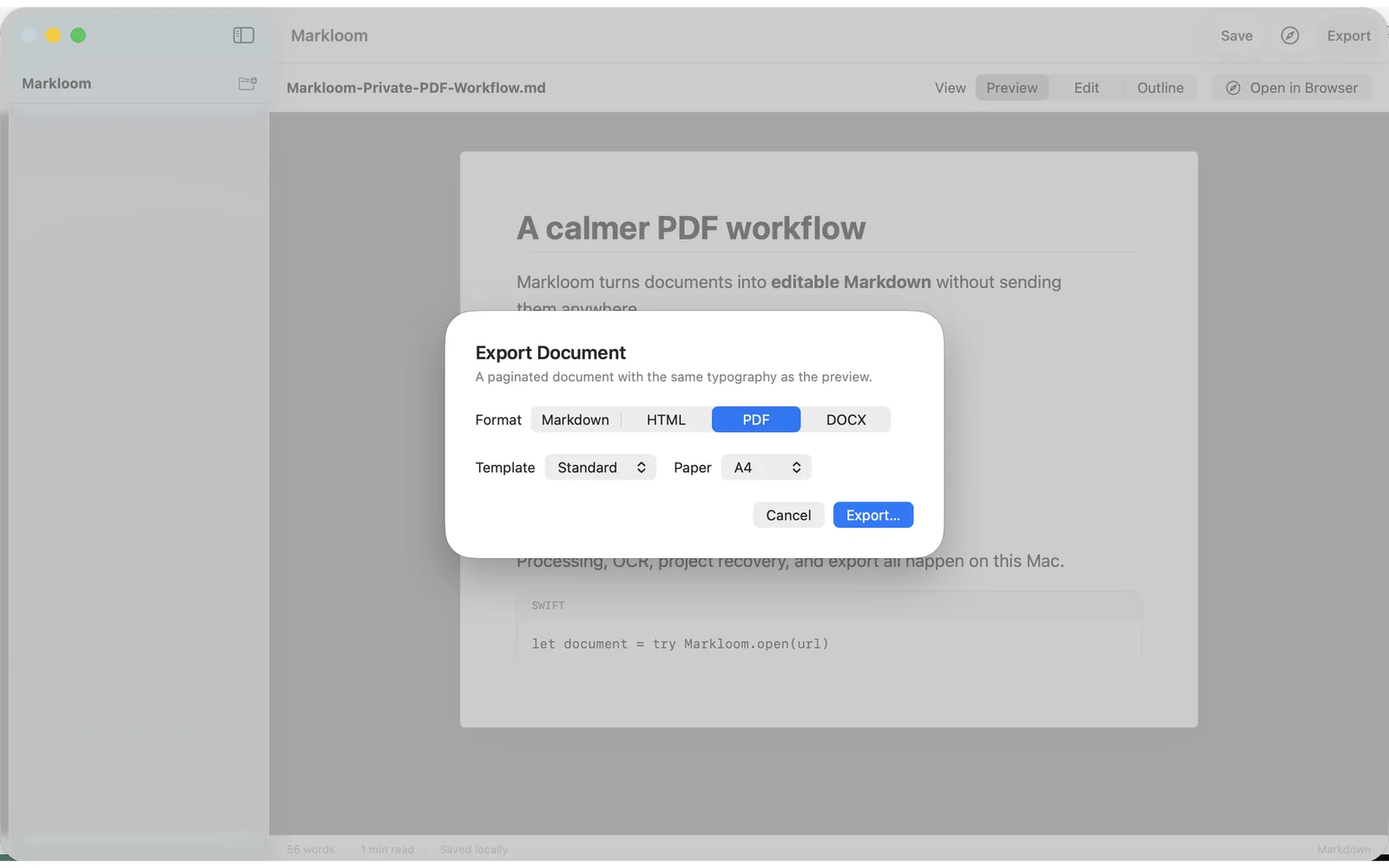
Export Markdown, HTML, paginated PDF, or DOCX using Standard or Reading presets — or open a typeset HTML preview in your browser.
Honest limits in 1.0
These are current product limits, not upcoming promises.
What 1.0 does not do
- Rich-text or WYSIWYG editing
- Lossless reconstruction of original PDF page design
- Formula OCR or formula rendering
- EPUB, batch import, folder monitoring, or custom publishing templates
- Custom PDF layout beyond two presets and A4/Letter
File limits
- PDFs above 500 MB or 1,000 pages are rejected for safety
- A malformed page may be skipped while other pages remain editable
- If a PDF cannot be processed, reopen it from File → Open to refresh macOS file permission
Features
Where Markloom fits
Paper to Markdown
Scanned letters and forms into editable text.
Research notes
Verify every recovered passage against the source page.
Publishing drafts
MD to HTML, PDF, or DOCX with two clean presets.
Confidential documents
Processing never leaves the Mac.
Pricing
Free. All of it.
Free
Free- Markdown editing and preview
- Local PDF text extraction and Vision OCR
- Paragraph-level PDF source highlighting
- Export to Markdown, HTML, PDF, and DOCX
- .markloom project save and recovery
Markloom 1.0 has no in-app purchases, subscriptions, or ads. Official distribution is the United States Mac App Store; this site does not host a direct download.
Prices are confirmed on the Apple purchase sheet before you buy. Restore Purchases is available in the app.
Privacy
- No account, no analytics SDK, no network entitlement for document processing.
- Documents, filenames, extracted text, and OCR results stay on your Mac.
- App Privacy disclosure: Data Not Collected.
FAQ
FAQ
Does Markloom upload my documents?
Is Markloom free?
Which Mac does it require?
Can I edit in rich text?
Where can I get the app?
What should I include in a support email?
Keep the document on your Mac
Free on the United States Mac App Store. No account. No upload.